Quick Basket
QuickBasket is a mobile grocery application designed to help users quickly purchase daily essentials from nearby local stores they already know and trust.
Category
UI/UX DESIGN
Product Duration
2 Weeks
Overview
QuickBasket is a mobile grocery application designed to help users quickly purchase daily essentials from nearby local stores they already know and trust.
The product focuses on speed, familiarity, and locality, enabling users to shop groceries with minimal effort while supporting neighborhood businesses.
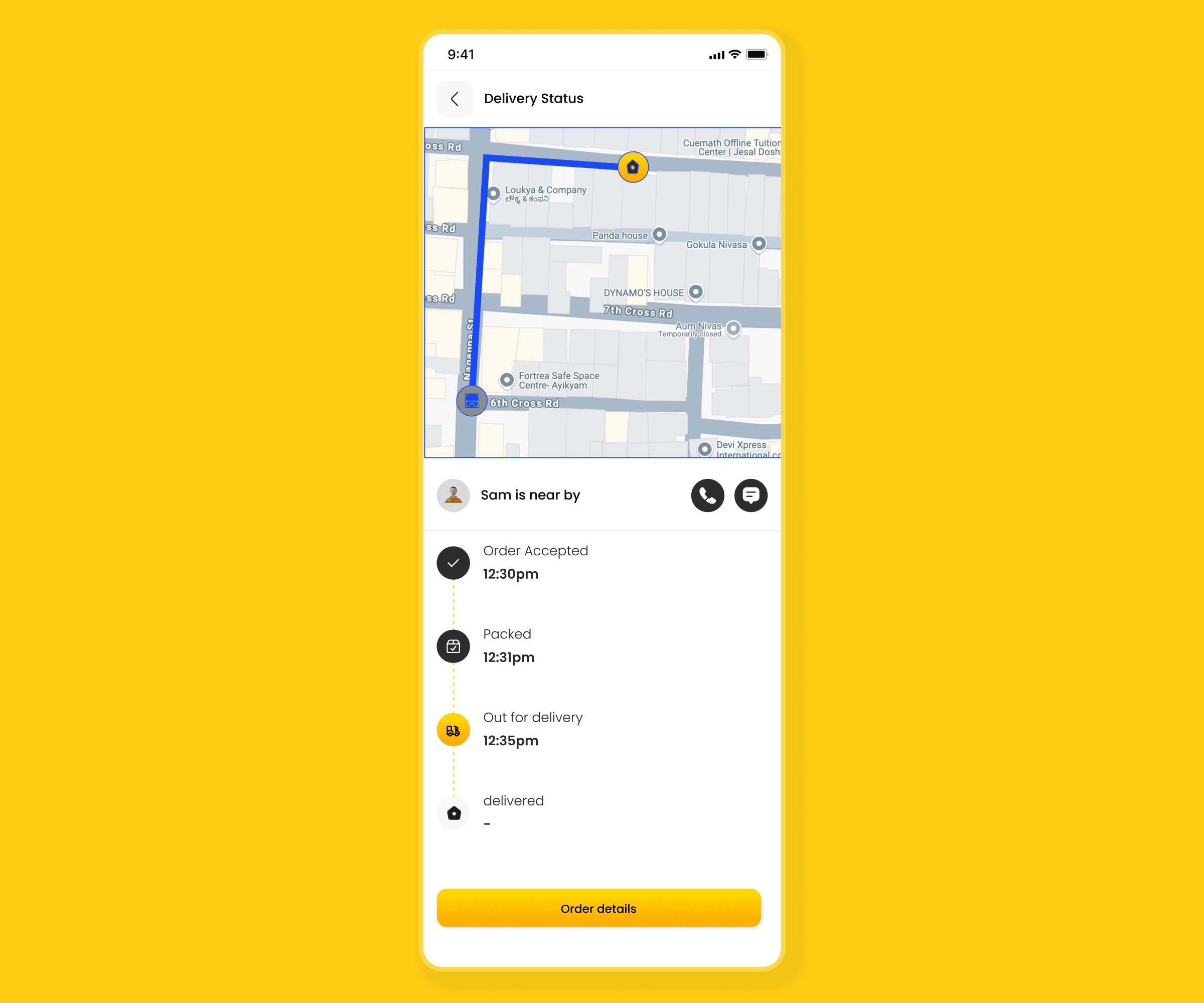
Problem Statement
Most grocery delivery apps prioritize large vendors and centralized warehouses. This creates several issues:
Users struggle to find local shops near their homes
Shopping feels impersonal and unfamiliar
Deliveries take longer for everyday needs
Local store owners lack digital visibility
There was a clear opportunity to design a hyperlocal, shop-first grocery experience.
Design Goal
To design a mobile app that:
Helps users discover nearby grocery stores
Enables fast and frictionless shopping
Feels familiar, trustworthy, and easy to use
Encourages users to support local businesses
My Role
UX Research
User Flow Design
Wireframing
Visual Design (Figma)
UX Writing
Target Users
Urban and semi-urban users purchasing daily groceries
Families who prefer nearby, trusted stores
Users who value speed and convenience over heavy discounts
UX Process & Design Decisions
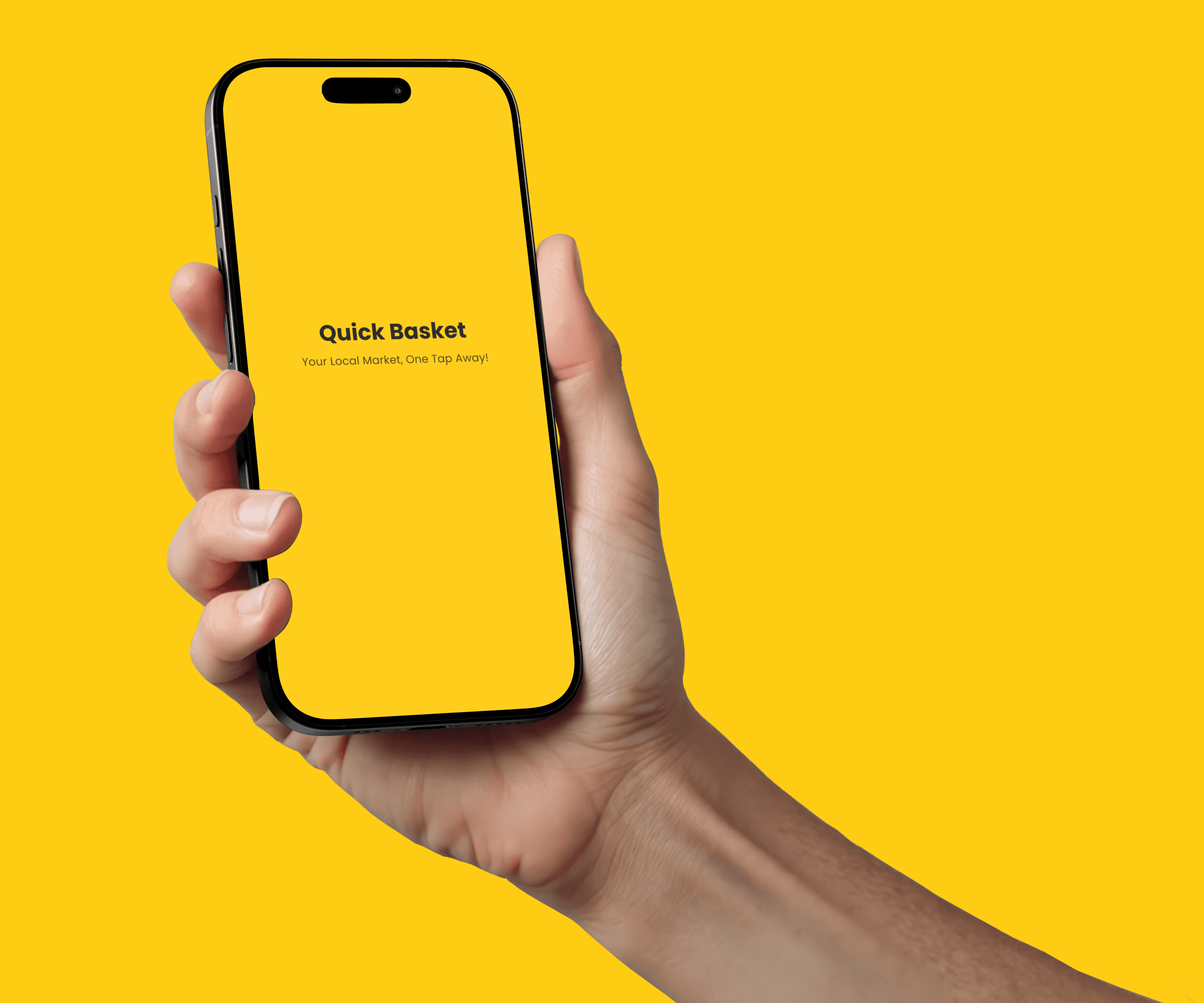
Splash & Onboarding Experience
The splash screen introduces QuickBasket with a clear value proposition:
“Your local market, one tap away.”
The onboarding is intentionally minimal to:
Reduce cognitive load
Help users enter the app quickly
Encourage first-time exploration
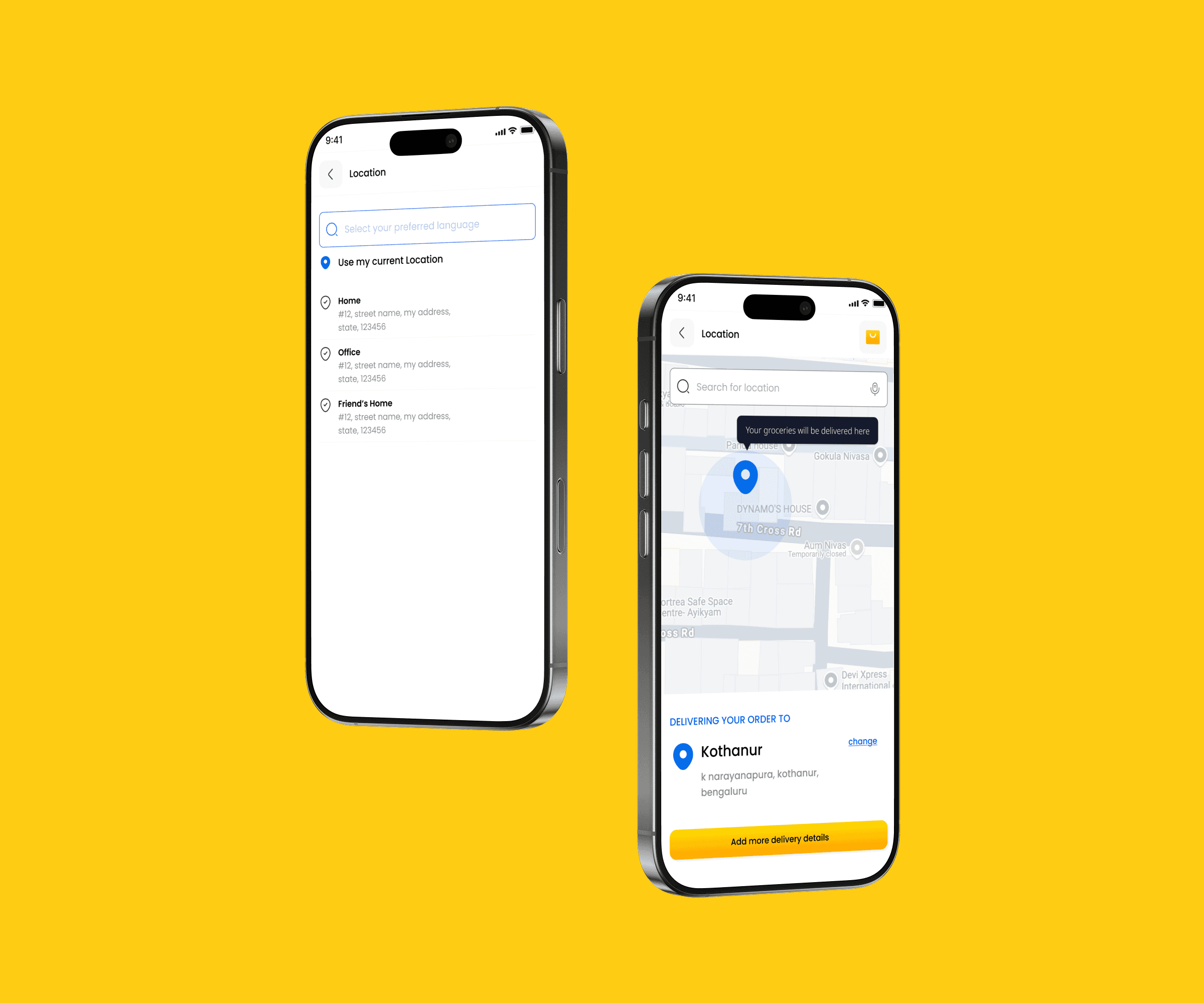
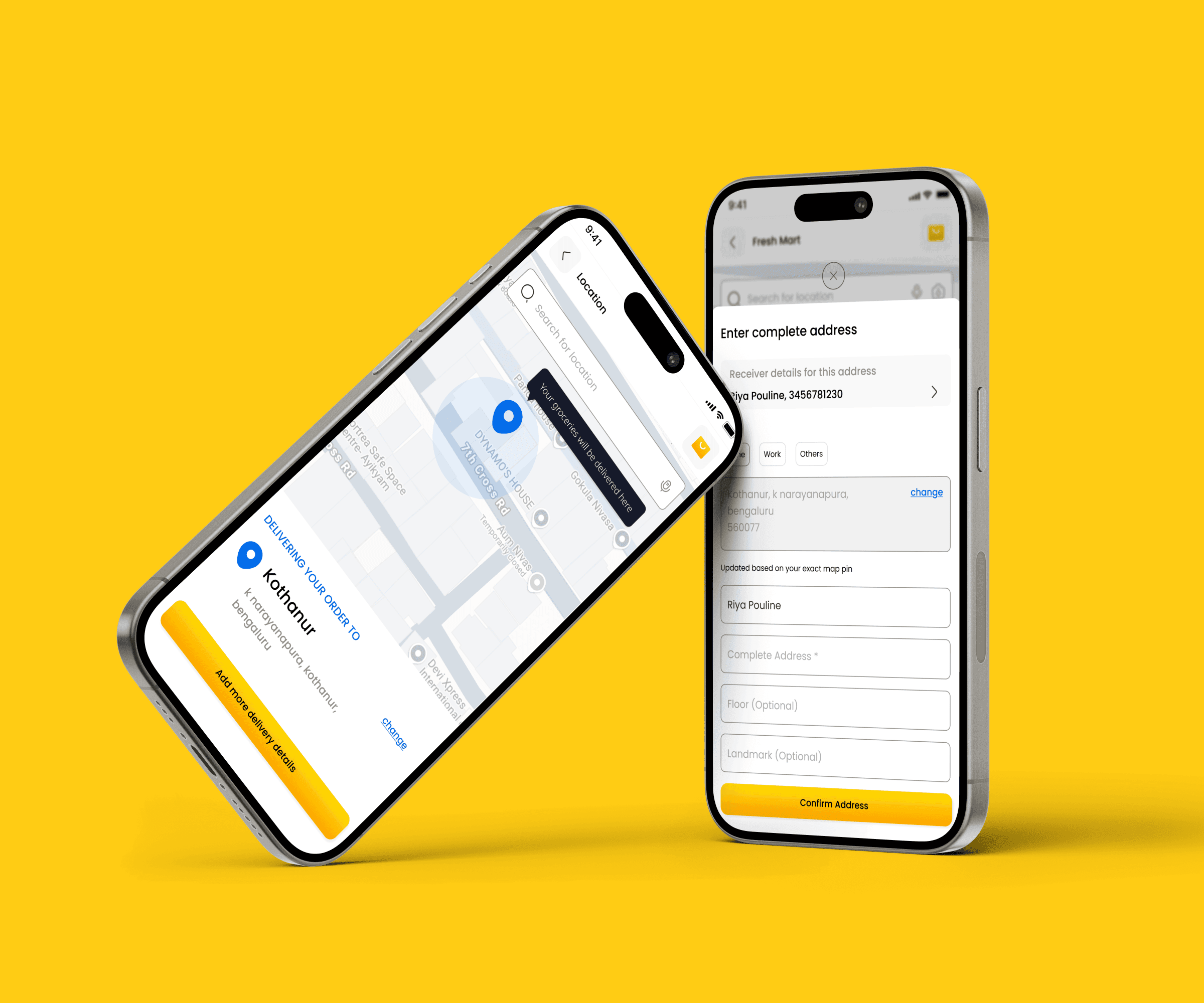
2. Location-Based Entry
Location selection is the first functional step in the journey.
This ensures:
Accurate store discovery
Relevant product availability
Faster delivery timelines
The map-based UI gives users confidence that the app understands their exact location.
3. Address Setup Flow
The address screen is designed to be:
Simple and form-light
Flexible (Home / Work / Others)
Editable for future orders
This supports repeat purchases and minimizes friction during checkout.
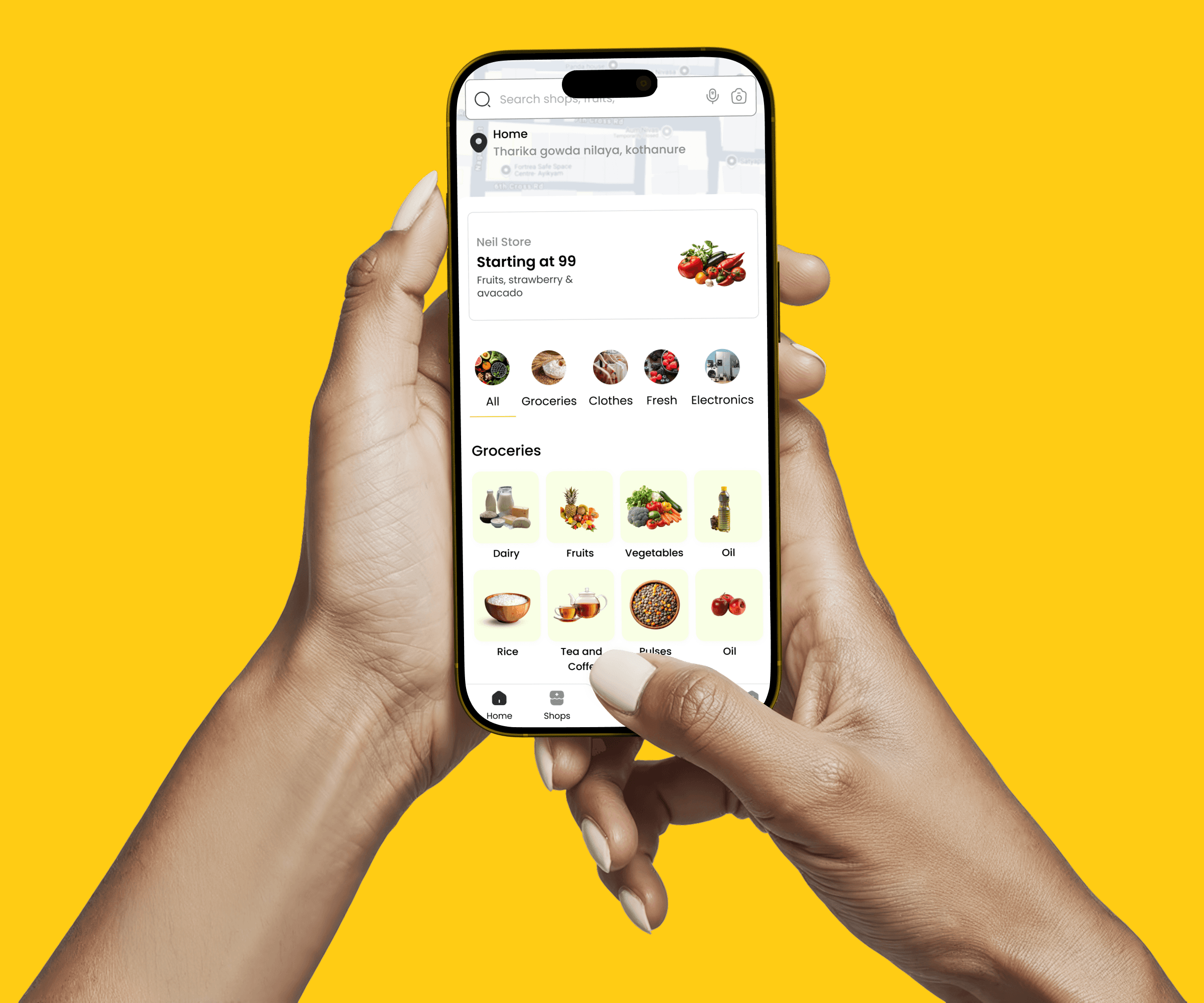
4. Homepage — Shop-First Discovery
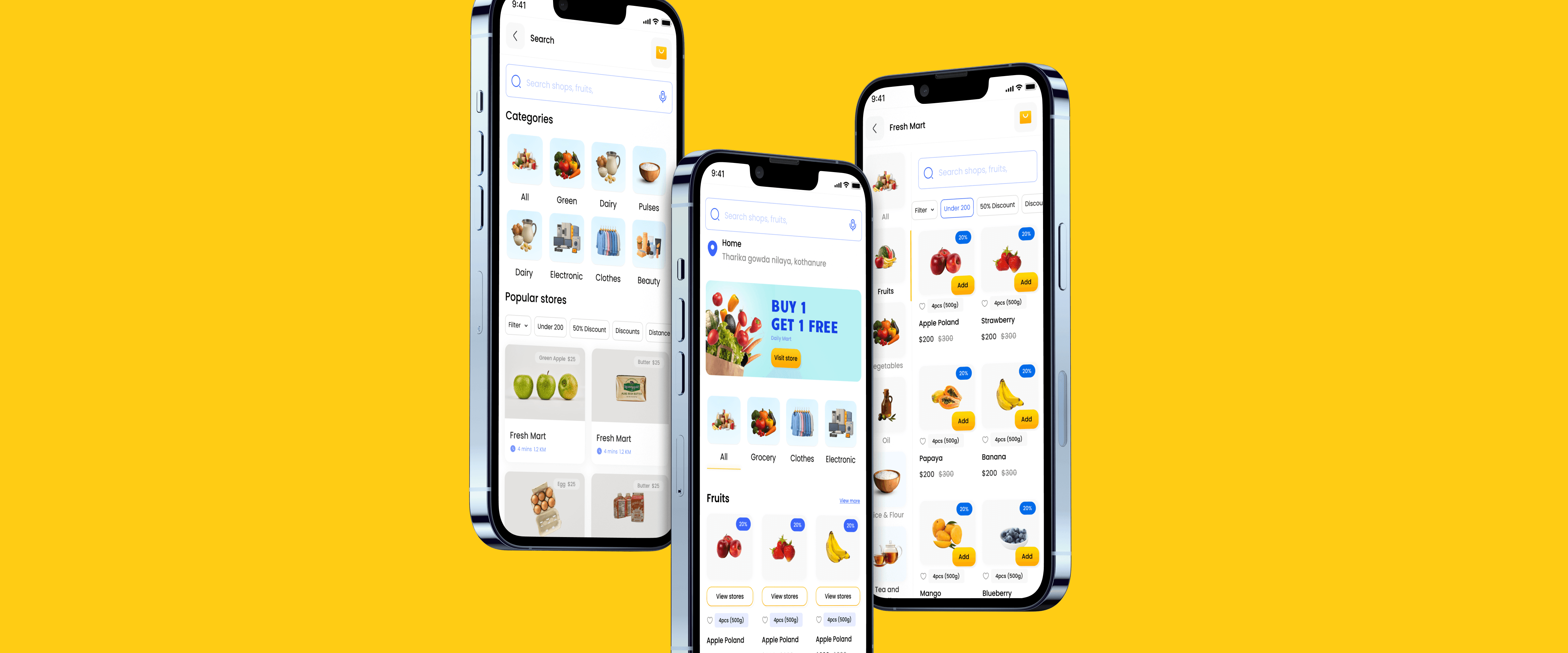
Instead of showing products immediately, QuickBasket follows a shop-first browsing model:
Users see nearby grocery stores first
Familiar shop names build trust
Users feel in control of where they shop
This mirrors real-world grocery behavior.
5. Product Listing & Search
Instead of showing products immediately, QuickBasket follows a shop-first browsing model:
Users see nearby grocery stores first
Familiar shop names build trust
Users feel in control of where they shop
This mirrors real-world grocery behavior.
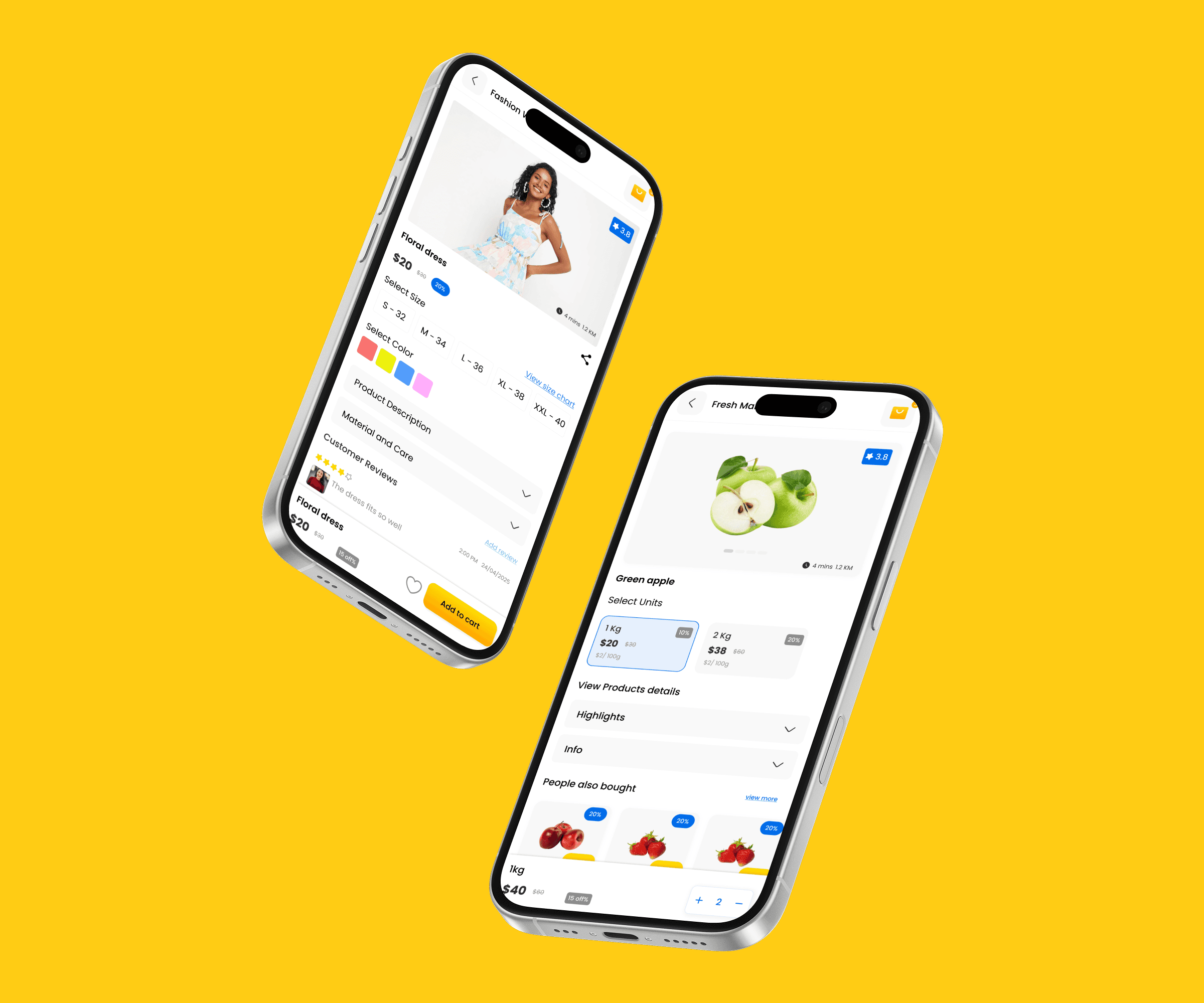
P roduct Details & Cart
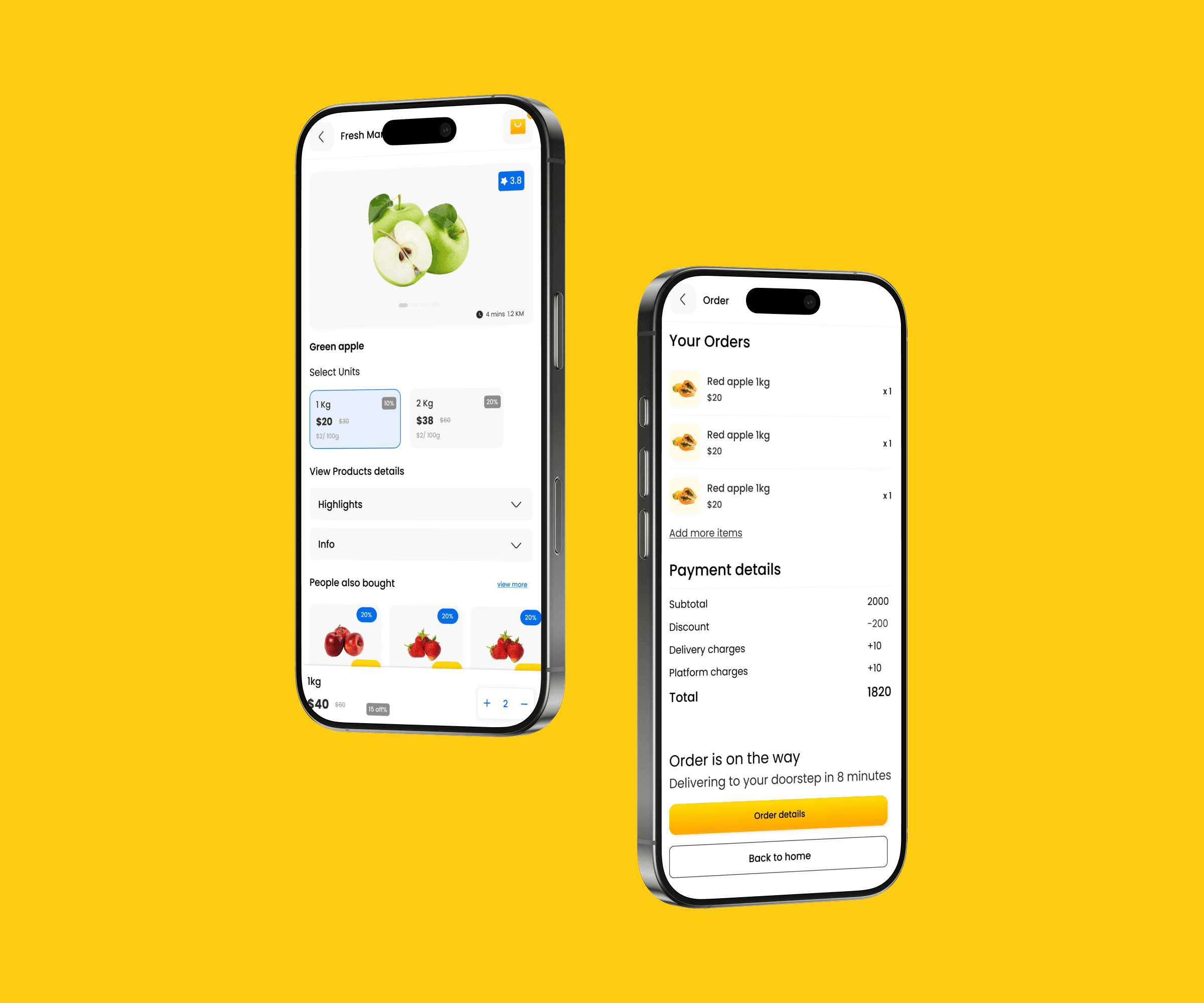
Instead of showing products immediately, QuickBasket follows a shop-first browsing model:
Users see nearby grocery stores first
Familiar shop names build trust
Users feel in control of where they shop
This mirrors real-world grocery behavior.
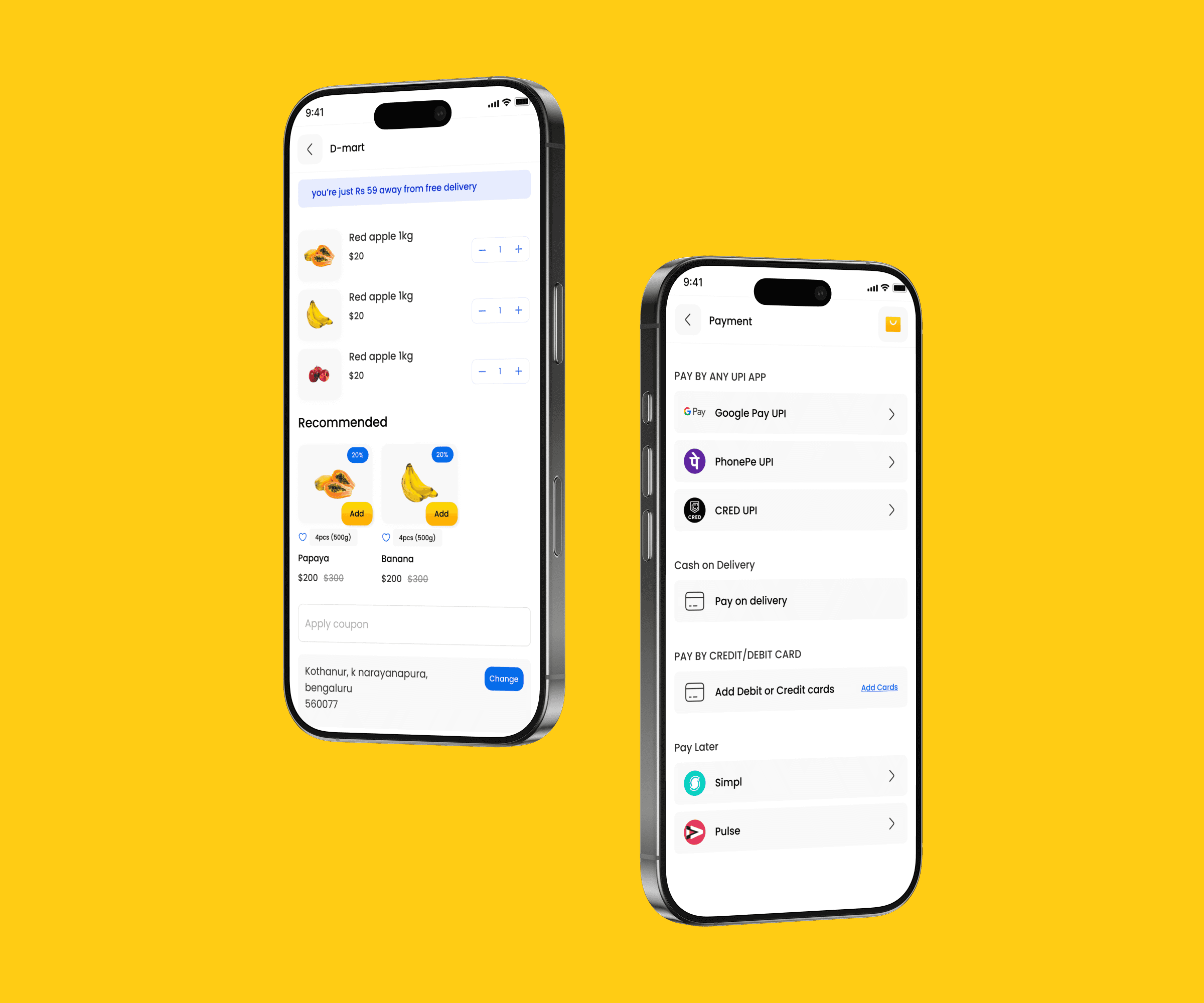
Checkout & Payment
The checkout flow is optimized for speed:
Users can quickly grasp how circular furniture works
Material Design structure improved clarity and consistency
The narrative flow makes sustainability feel achievable
Visual Design Approach
Warm yellow accents to convey friendliness and approachability
Clean, spacious layouts to reduce cognitive overload
Consistent UI components across screens
Mobile-first design optimized for one-handed use
Outcome
QuickBasket delivers a grocery shopping experience that is:
Fast and intuitive
Rooted in local trust
Designed for everyday use